AI image prompt templates.
Start with a picture of the
possibilities.

AI image prompt templates are reusable creative briefs for generating images. They organize the
subject, composition, lighting, setting and visual style so you can adapt an example to your own project.

Find the look. Make it yours.

A polished product shot. An expressive portrait. An unexpected campaign direction. Explore the result
first, then open the template to understand the choices behind it. Replace the editable details with
your
own subject, setting and purpose before generating.

Template Inspector // ID: brief_product_lumina_04
Flux.1 ProCFG 3.5Seed 849204
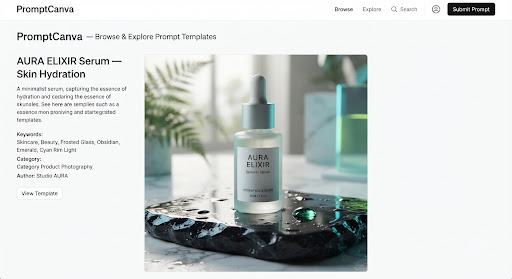
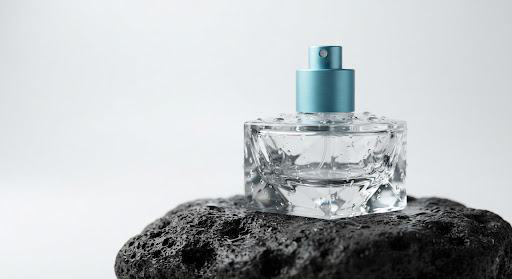
Glass cosmetic bottle on a volcanic slate pedestal● Lighting: Dual 45° Diffused Rim● Setting: Volcanic Slate Pedestal

Lumina Flacon Shot

Tested across 4 generative model passes

Variable

Tip: Swap for beverage cans, jewelry, ceramics or tech gadgets.

⌗ 02. Composition & Aspect Ratio

Structured

Centered studio hero framing, 45-degree isometric tilt, generous 35%
empty header space for editorial typography, --ar 4:5

☼ 03. Lighting & Atmosphere

Atmospheric

Precision softbox backlighting, crisp luminous cyan edge glow, subtle
caustic light refractions across wet base

◉ 04. Visual Style & Medium

Aesthetic

Hasselblad X2D 100C look, 90mm macro lens, f/4 aperture, micro-texture
rendering, hyper-tactile, clean commercial grade

Ready to compile with your variable?

▢ Outcome driven

Choose by the job your image needs to do

For an online store, start with clear product presentation and space for a crop. For an editorial portrait,look at expression, framing and background. For a
campaign concept, consider where the image will
appear and whether it needs room for a headline.
The most attractive preview is not always the most useful starting point. Choose the composition that
supports your message.

Two directions to try

Cinematic product photography

Use Cinematic Product Photo to shape a product image around a clear
focal point, purposeful light and a controlled setting.

Cinematic product photo example
Midjourney v6.1

Template engineering:

  • ⊙Focal point locking: Center-weight isolation preventing subject drift.
  • ♧Rim lighting: High-precision silhouette separation on reflective borders.
  • ▦Matte surface reflection: Ground plane roughness calibrated for realistic shadows.
  • ◇Copy-ready prompt tags: Modifiers modularized for single-click token swaps.
/imagine commercial hero of [SUBJECT], balanced studio rim light,
textured pedestal, cinematic depth --no dust, grain, distortion
Used in 3.4k product launches

Editorial portrait

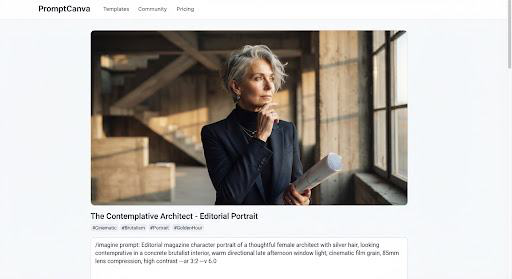
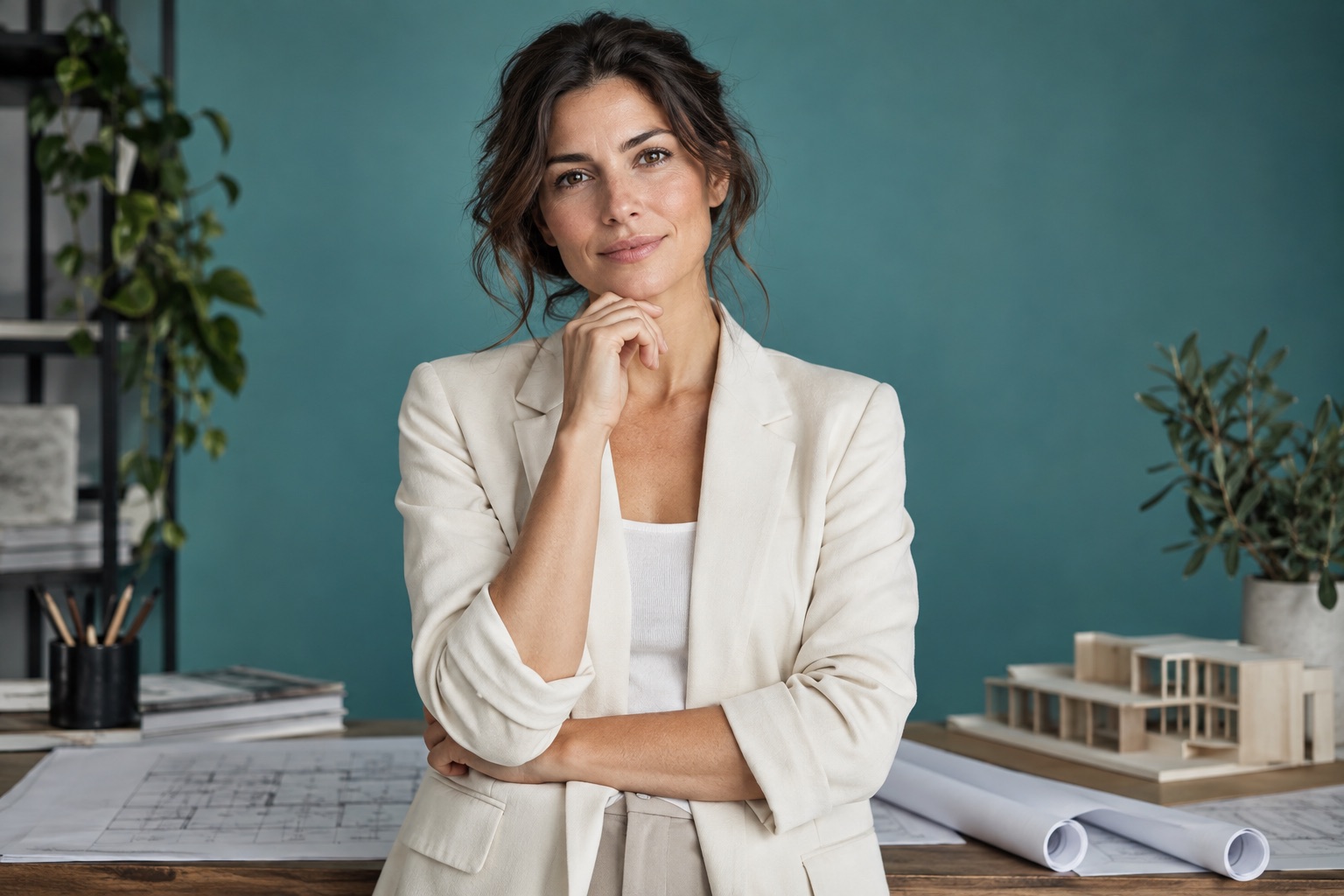
Use Editorial Portrait to explore character, mood and environmental
detail.

Editorial portrait of an architect in a softly lit studio
Midjourney / Flux

Template engineering:

  • ◉85mm lens emulation: Natural facial proportions without wide-angle distortion.
  • ◐Cinematic chiaroscuro: Rembrandt single-source light sculpts cheekbones & jawline.
  • ♧Character styling
    tokens:
    Micro-texture skin parameters and realistic wardrobe weight.
  • ░Background blur
    control:
    Smooth creamy bokeh isolates the narrative subject cleanly.
/generate editorial portrait, [SUBJECT_DESCRIPTION], natural chiaroscuro
sidelight, 85mm f/1.8 lens bokeh, documentary realism
Used in 5.1k editorial spreadsOpen Portrait Template

Frequently asked clarifications

QCan I use the same template for different subjects?

Yes. Replace the subject and revise the surrounding details so the lighting, scale and setting still make sense.

QWill my image match the preview exactly?

Do not expect an exact match. References, settings and generation tools can change the result. Use the preview as a creative example, then review your own output.

Explore image prompts