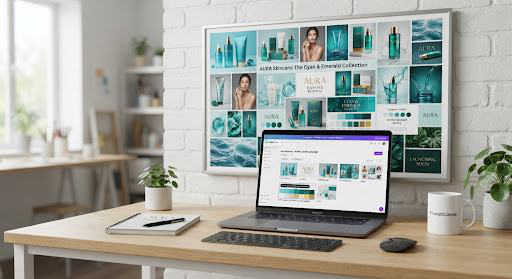
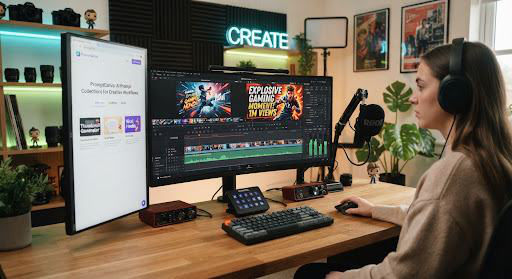
An AI prompt collection groups templates around a shared job. Use the same approved brief across the sequence to keep your visuals, copy, and messages aligned.
Shared brief context
Sync voice, product details, and target persona without retyping parameters.
Tested sequence order
Validated chain structures where every prompt amplifies the subsequent output.
Consistent brand tone
Preserve visual language and editorial style guidelines seamlessly.
Production-ready sequences
2 core workflows curated by PromptCanva Labs
Product launch
From a product brief to visuals, page copy, and answers shoppers need.
1
Product photo & hero visual direction
Generates hyper-detailed Midjourney/SD camera angles, studio lighting setups, and surface materials.
2
High-converting landing page copy & value pillars
Synthesizes key benefits into crisp headline formulas, problem-solution pairs, and friction-free CTAs.
3
Customer FAQ & objection handling
Anticipates pre-purchase purchase hesitation, drafting empathetic, authoritative customer care answers.
A predictable sequential routine prevents AI drift and saves you from repeating project instructions.
01
Prepare the shared inputs once
Set your primary project brief, tone, and audience constraints once. This master context automatically populates variables across all downstream templates.
02
Open the templates in order
Execute in recommended sequence so subsequent prompts build on verified outputs. Early steps define the core angle that later assets turn into polished copy and art.
03
Review each output before using it
Review each output before using it as context for the next step. Verify quality, adjust variables, and carry forward key elements for seamless creative continuity.
Frequently Asked Questions about Collections
Do I have to use every prompt?
No. Follow the full sequence or select the steps your project needs. You can trigger individual prompts independently if you already have partial assets completed.
Are collections generated automatically?
The launch collections are editorial selections with a recommended sequence. Each prompt is battle-tested by experienced prompt engineers to guarantee logical context passing and output stability.