
AI video prompt templates that
give every shot a direction.

AI video prompt templates are reusable shot briefs that describe what appears, what moves and how a
scene develops. They help you turn a visual idea into an organized instruction you can adapt for a video
tool.

Think in shots, then build the sequence

Start with one clear moment: a product emerging from shadow, a camera revealing a landscape, or a
subject completing a simple action. Decide what viewers should notice first and what should change
before the shot ends.

Look beyond the first frame

Watch each example for movement, pacing and continuity. Does the product remain recognizable?
Does the camera reveal something useful? Is there room for your intended edit?

For your own generation, simplify competing instructions before adding another camera move or
action. If a shot is difficult to control, divide the idea into smaller shots and plan their transition in the
edit.

Start with a focused brief

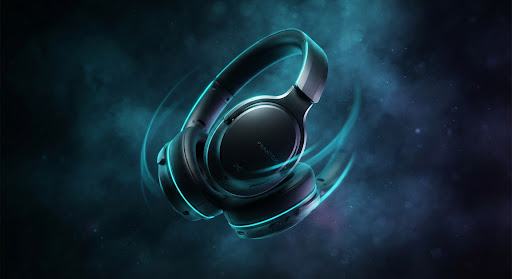
Product reveal video shot example
Direction 01Runway Gen-3

Product reveal video

Try Product Reveal Video for a controlled introduction to an object.

  • Camera dolly zoom
  • Controlled light sweep
  • Specular isolation
  • Motion Scale: 4
/video cinematic product reveal of [OBJECT_DESCRIPTION], camera
slow push-in, rim light highlight, dark void background, high
dynamic range --motion 4
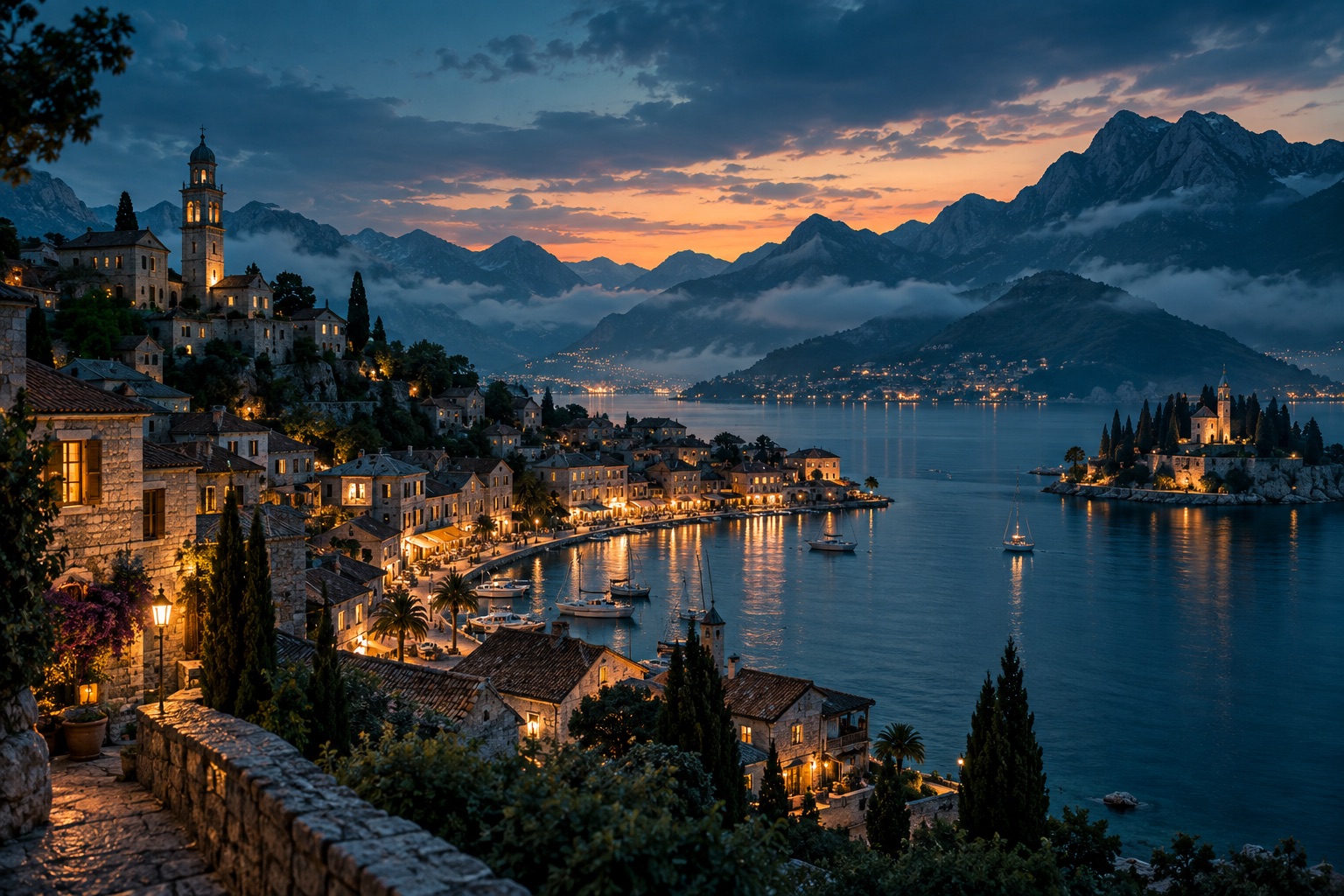
Cinematic coastal town at blue hour with mountains and warm waterfront lights
Direction 02Runway / Sora

Cinematic establishing shot

Try Cinematic Establishing Shot to introduce a place, atmosphere and visual
direction.

  • Aerial slow drift
  • Volumetric fog
  • Golden hour lighting
  • Cinematic 24fps
/video cinematic establishing drone shot over
[LOCATION_DESCRIPTION], sweeping horizontal pan, morning mist,
golden hour sun flare, photorealistic cinematic 24fps
Video prompt essentials

Frequently asked clarifications

Clear answers on adapting video templates to your multi-shot workflow.

Should one prompt describe my entire video?

For a sequence with several distinct moments, use a separate brief for each shot. This makes individual results easier to review and revise.

Do I need an image reference?

It depends on the template and the tool you choose. Check the prompt page for required inputs before starting.